Senpai Stream APK
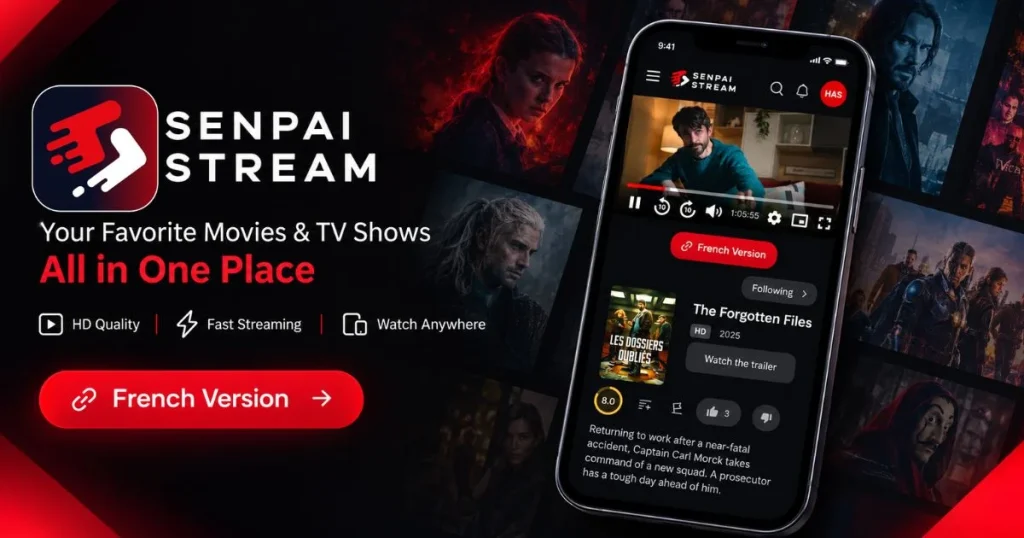
Senpai Stream APK allows you to watch HD movies, TV shows, and anime series. Explore a vast entertainment library and enjoy streaming on your Android device.
Open Senpai Stream Senpai Stream APK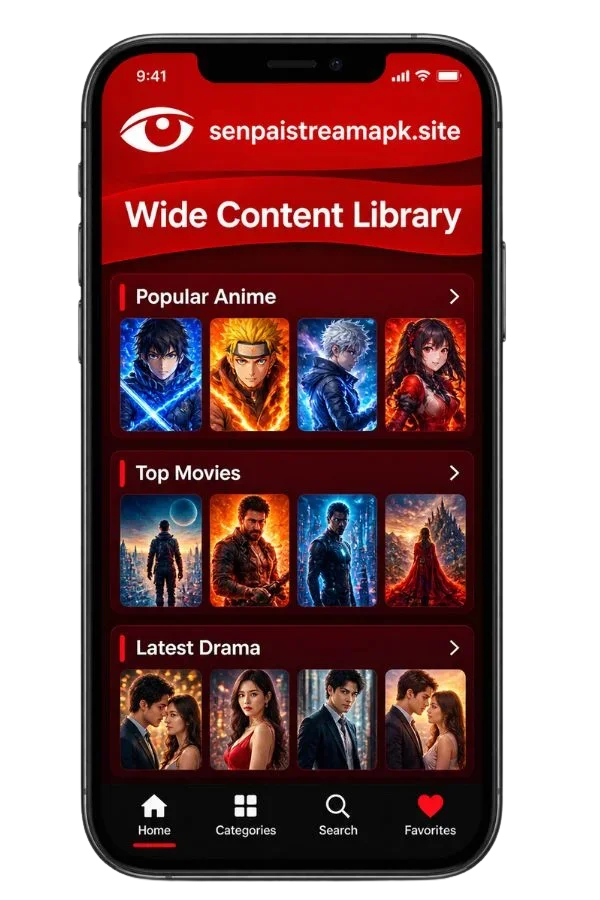
What is Senpai Stream?
Senpai Stream is a free web-based streaming app for movies, TV series, anime, and live television channels. Instead of hosting content files directly, the website acts as an aggregator. It is primarily tailored to French-speaking audiences and international media fans, featuring dedicated French audio dubs (VF) and subtitles (VOSTFR). Users can access the platform directly through a desktop or mobile web browser without registering an account or paying subscription fees.
What is Senpai Stream APK?
Overview of Senpai Stream
Senpai Stream APK is a unique app designed to bring free movies, series, and anime right to your Android device. You can enjoy a vast library of content without paying any monthly subscription fees. If you love watching movies and shows on the go, Senpai Stream gives you free access to endless entertainment anytime and anywhere.
How Senpai Stream Works
The app connects you to multiple websites and streaming sources to deliver smooth videos. When you pick a movie or show, the app gathers streaming links so you can start watching in seconds. It focuses on quick access and simple operation, making it ideal for beginners who want hassle-free streaming.
Supported Devices and Platforms
You can install Senpai Stream on various Android phones, tablets, and TV boxes. The platform also works well on specific equipment and streaming devices that support third-party APK installations. Whether you are using a phone, a tablet, or a larger TV screen, you get reliable cross-device streaming support.
Senpai Stream APK Information and Specifications
| Specification | Details |
| App Name | Senpai Stream APK |
| App Version | v1.13.2 (or v1.235.325 depending on recent patches) |
| File Size | 16 MB (Lightweight for fast downloading & quick installation) |
| Developer | Media Fans / Senpai Stream Team |
| App Category | Entertainment & Video Streaming |
| License / Price | Free / Subscription-Free |
| Android Requirements | Android 5.0 (Lollipop) or higher |
| Network Requirement | Stable internet connection (for smooth, buffer-free streaming) |
| Language & Subtitles | Multilingual support (including French audio dubs [VF] and French subtitles [VOSTFR]) |
| Device Compatibility | Android Phones, Tablets, Android TV, TV Boxes, and PCs (via emulator) |
How to Download and Install Senpai Stream APK
Download Senpai Stream APK for Android
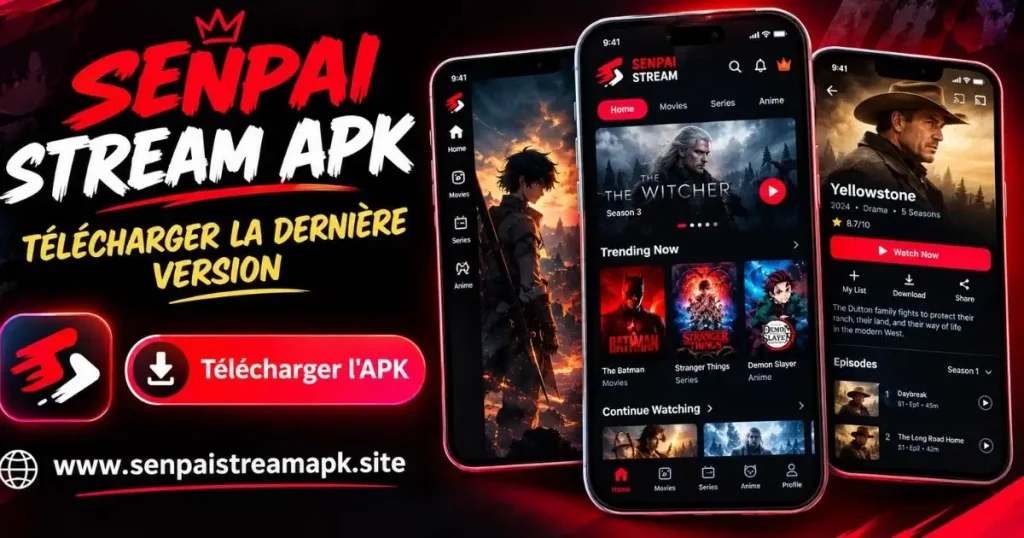
To get started, visit our official website at senpaistreamapk.site using your preferred browser. Click the Download button on the homepage to download the latest APK version directly to your device storage.
Enable Installation from Unknown Sources
Because this is a third-party application, your phone might show an unknown-source warning. Go to your Android settings, navigate to security, and allow app installations from unknown sources so your device can process the installation file safely.
Install and Launch the App
Open your downloads folder or check your notification bar to tap on the downloaded APK file. Follow the installation prompts, grant the required app permissions, and launch the app from your app drawer or home screen to start exploring.
Installation Problems and Solutions
If the app fails to install or open, check your storage space and ensure you downloaded the file from a trusted source like senpaistreamapk.site. Restarting your device or clearing your browser cache usually resolves most installation bugs within a few seconds.
How to install senpaistream APK on an Android TV box
Installing Senpai Stream APK on your Android TV box is quick and easy. Since Senpai Stream is a third-party app, you can sideload it directly onto your TV screen using the Downloader app.
Here is your step-by-step guide to downloading and setting up Senpai Stream APK on Android TV:
Step 1: Enable Unknown Sources on Android TV
Before downloading Senpai Stream, you must allow your TV to install apps outside the official Google Play Store.
- Go to Settings (gear icon) on your Android TV home screen.
- Select Apps $\rightarrow$ Security & Restrictions (or Privacy $\rightarrow$ Security on Google TV).
- Select Install Unknown Apps (or Unknown Sources).
Note: If the developer settings are locked on newer TV models, go to Settings $\rightarrow$ System $\rightarrow$ About, scroll down to Android TV OS Build, and click it 7 times continuously until it says “You are now a developer!”
Step 2: Sideload Senpai Stream APK Step by Step
1. Install the Downloader App: Search on Google Play Store.
Open the Google Play Store on your TV box, search for Downloader by AFTVnews, and install it.
2. Grant Storage Permissions: Required for saving APK files.
Launch Downloader. When prompted, allow it access to photos, media, and files on your TV storage.
3. Allow Unknown Sources for Downloader: Enable Downloader installer rights.
Go to Settings $\rightarrow$ Apps $\rightarrow$ Security & Restrictions $\rightarrow$ Install Unknown Apps. Find Downloader in the list and toggle the switch to ON.
4. Download the Senpai Stream APK: Download from senpaistreamapk.site.
Open Downloader, click the URL bar, and enter senpaistreamapk.site (or the direct APK download link). Click Go to start downloading the file.
5. Install and Launch Senpai Stream: Complete installation and open.
Once the download finishes, an installation prompt will appear automatically. Click Install, then select Open to launch Senpai Stream on your TV!
Step 3: Easily Access Senpai Stream on Your TV Screen
Because sideloaded mobile apps sometimes do not create an automatic shortcut on the main TV interface:
- Find the app: Go to Settings $\rightarrow$ Apps $\rightarrow$ See all apps, locate Senpai Stream, and launch it.
- Add a launcher (Optional): Install Projectivity Launcher or Sideload Launcher from the Play Store so all your third-party APKs show up on your TV home screen.
Key Features of Senpai Stream APK
Extensive Movie and TV Series Library
Senpai Stream features a massive movie library and an extensive range of television shows. You can browse through classic shows, new releases, and popular content across multiple genres without paying a single cent.
Live TV Channels and Sports Streaming
Beyond on-demand movies, Senpai Stream TV gives you access to live TV channels, sports coverage, and news broadcasting. You can watch live matches, highlights, and real-time updates directly from your phone or computer.
Multiple Streaming Links
If a video link fails, the app provides alternative links to keep your streaming session active. You can easily switch between the first link, second link, or third link to guarantee smooth performance and endless entertainment.
Video Quality and Playback Controls
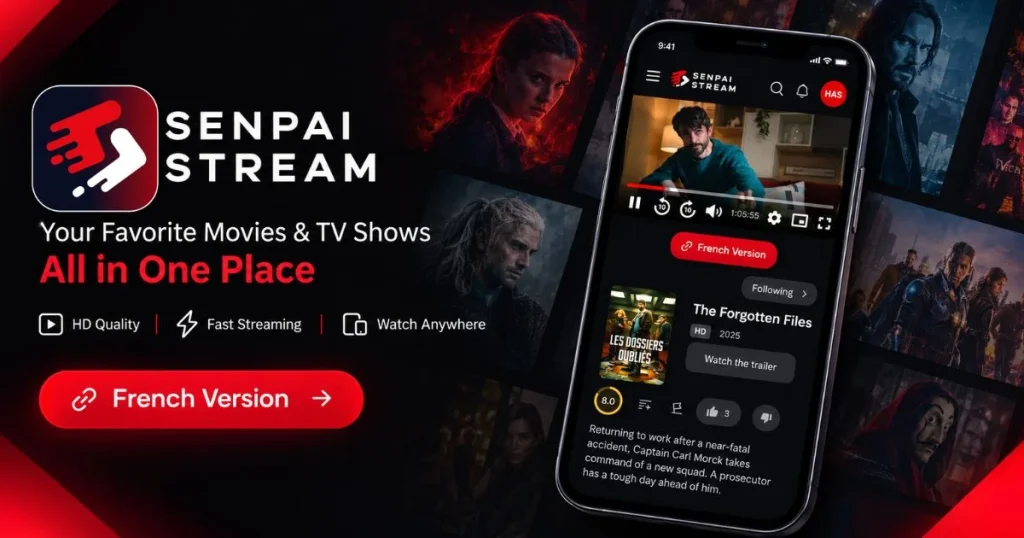
Enjoy HD streaming and customizable playback settings that let you adjust brightness, volume, and speed. The intuitive video controls ensure a premium viewing experience tailored to your device capabilities.
Search and Content Discovery
The built-in search option and search bar make content discovery effortless. You only need to type the first letters of your favorite content name to find movies and TV shows in seconds.
User-Friendly Interface
The clean interface features clear menus and an intuitive design, making navigation simple for new users. You can browse categories and popularity filters with ease, ensuring a pleasant user experience.
Language and Subtitle Options
Language support is robust, offering multiple languages, easy-to-read subtitles, and dubbed content. This ensures that French-speaking audiences and international viewers can enjoy their favorite media comfortably.
Content Updates and Availability
The platform updates its catalog regularly with brand-new content every week. You will always find fresh content, new episodes, and popular films waiting for you on senpaistreamapk.site.
Movies, TV Shows and Channels Available on Senpai Stream
| Content Category | Featured Examples & Channels | Description |
| Movies & Cinema | Hollywood Movies, Bollywood Films, French Cinema | Access a wide selection of Indian films, Hindi cinema, international films, and classic releases. |
| Live Sports | ESPN, Star Sports, Cricket & Football live feeds | Watch live matches, tournaments, and sports highlights for global sports fans. |
| News & Entertainment | CNN, BBC News, popular entertainment channels | Stay updated with breaking news, global coverage, and real-time world events. |
| Kids & Documentaries | Cartoon Network, Nickelodeon, Discovery, History | Family-friendly animated programs, cartoon shows, nature, science, and historical documentaries. |
Hollywood and Bollywood Movies
Immerse yourself in endless movie selections ranging from blockbuster Hollywood hits to vibrant Hindi films. The catalog covers everything from recent films to timeless classics.
French Movies and International Cinema
French media fans and French-speaking audiences will love the dedicated selection of French-dubbed content and international cinema tailored to diverse cultural tastes.
Popular TV Series and Anime
Catch up on worldwide series, new episodes, and trending anime series. The centralized content catalog makes binge-watching your favorite shows easier than ever.
Live Sports and Sports Channels
Sports fans can tune into live sports channels to watch football, cricket, basketball, and other major sports events with reliable streaming access.
News and Entertainment Channels
Keep track of current affairs and global information through trusted American and British news channels delivering real-time updates and breaking news stories.
Kids’ Programs and Documentaries
Children can enjoy daily viewing with animated programs and cartoon shows, while curious minds can explore nature, science, and world history through engaging documentaries.
Action, Comedy, Drama, Romance and Other Genres
- Action: Thrilling scenes, fast-paced movies, fights, and car chases.
- Comedy: Funny movies, lighthearted entertainment, and laughter-focused films.
- Drama: Deep stories, human experiences, and realistic situations.
- Romance: Love stories, emotional connections, and heartwarming relationships.
How to Use Senpai Stream APK
<Sequence>
  <Step title="Launch the App" subtitle="Open Senpai Stream">
    Open the app from your home screen and let the main dashboard load its content categories.
  </Step>
  <Step title="Search or Browse" subtitle="Find your media">
    Use the search bar or browse categories like movies, series, or live TV to pick what you want to watch.
  </Step>
  <Step title="Select a Link" subtitle="Choose working streaming options">
    Tap your desired title and choose from multiple streaming links if the first link buffers or fails.
  </Step>
  <Step title="Adjust Playback Settings" subtitle="Set quality and subtitles">
    Use the playback controls to change video quality, toggle subtitles, or switch audio languages.
  </Step>
</Sequence>
Troubleshoot Buffering and Playback Errors
If you experience slow video loading or buffering, check your internet speed or close background apps to free up device resources. Refreshing the page or selecting an alternative streaming link usually resolves minor playback bugs instantly.
Is Senpai Stream APK Safe and Legal to Use?
Security Risks of Third-Party APK Files
Downloading apps from unverified sites can expose your device to security risks. Always download official update files from trusted sources like senpaistreamapk.site to protect your personal data and device security.
How to Check an APK Before Installation
Before installing any third-party app, scan the file using a reliable mobile security tool or antivirus app. Checking app permissions helps ensure the application does not request unnecessary access to your private files.
Streaming Copyright and Regional Restrictions
Senpai Stream operates as an aggregator of free streaming links rather than hosting copyrighted materials directly. Because copyright laws vary by region, users should remain aware of local regulations regarding third-party streaming platforms.
Permissions and Personal Data Privacy
The app requires basic storage and network permissions to function correctly. It does not demand sensitive personal data, helping you enjoy streaming with peace of mind.
Tips for Safer Streaming
To maintain a secure streaming habit, keep your device operating system updated, avoid clicking suspicious pop-up ads, and rely exclusively on verified links provided on senpaistreamapk.site.
Senpai Stream APK Compatibility and Common Problems
Senpai Stream for Android Phones and Tablets
The app is fully optimized for Android smartphones and tablets, offering smooth touch navigation, fast loading times, and responsive portrait or landscape viewing modes.
Compatibility with Android TV and TV Boxes
You can install the APK on Android TV boxes to bring the ultimate free streaming experience straight to your living room television screen.
Using Senpai Stream on a PC
While designed primarily for mobile devices, you can run the app on a PC using a trusted Android emulator to watch movies and shows on a larger desktop monitor.
App Not Installing or Opening
If the app refuses to open, verify that your device meets the minimum Android requirements and that unknown sources are properly enabled in your device settings.
Server Errors, Broken Links, and Buffering
Server traffic can occasionally cause broken links or temporary buffering. Simply switch to an alternative streaming link within the app to resume your viewing session without delay.
Updating or Uninstalling the App
To update Senpai Stream, visit senpaistreamapk.site to download the newest version over your existing installation. If you ever need to remove it, simply hold the app icon and select uninstall from your device menu.
Senpai Stream APK Alternatives and Comparison
Senpai Stream vs Other Streaming Apps
Unlike apps that require expensive monthly subscriptions, Senpai Stream provides subscription-free access to an extensive video library, live television, and anime without any registration barriers.
Free and Legal Streaming Alternatives
If you prefer official free platforms with legal ad-supported streaming, you can explore free tier services available in your region, though they often feature more restrictive content catalogs.
Official Streaming Services Available in France
French viewers looking for official licensed platforms can use subscription services, though they come with monthly costs compared to the free access offered by Senpai Stream.
How to Choose a Reliable Streaming App
When picking a streaming app, evaluate factors like library size, streaming speed, device compatibility, user interface design, and update frequency to ensure a satisfying experience.
Frequently Asked Questions About Senpai Stream APK
Is Senpai Stream APK free to use?
Yes, the app offers complete free access to movies, series, and live channels without any subscription fees or hidden costs.
Is Senpai Stream available in French?
Yes, the app supports French-speaking users with French-dubbed content, French subtitles, and localized navigation options.
Can I watch live sports on Senpai Stream?
Yes, you can stream live sports channels, matches, and tournaments directly through the live television section.
Does Senpai Stream support Android TV?
Yes, you can install and use the APK on Android TV boxes and smart TVs running compatible Android systems.
Can I download movies for offline viewing?
No, Senpai Stream is a streaming-only platform and does not currently support offline video downloads.
Does Senpai Stream require registration?
No, you can start watching your favorite movies and shows immediately without creating an account or signing up.
Why is Senpai Stream not working?
Temporary server issues or a weak internet connection can affect playback. Check your network or switch streaming links to fix the problem.
Is Senpai Stream available on the Google Play Store?
No, because it is a third-party streaming application, you can download the latest version safely from senpaistreamapk.site.
Conclusion
Senpai Stream stands out as an ultimate free streaming app for movie lovers, anime fans, and live TV enthusiasts. With its lightweight design, frequent updates, extensive library, and French language support, it delivers an unbeatable entertainment experience. Head over to senpaistreamapk.site today to download the latest version and enjoy your favorite movies and shows anytime, anywhere!